Deprecated: Creation of dynamic property Pusher\Log\Logger::$file is deprecated in /html/wordpress/wp-content/plugins/wppusher/Pusher/Log/Logger.php on line 18
Deprecated: Creation of dynamic property Pusher\Log\Logger::$file is deprecated in /html/wordpress/wp-content/plugins/wppusher/Pusher/Log/Logger.php on line 18
Deprecated: Creation of dynamic property Pusher\Dashboard::$pusher is deprecated in /html/wordpress/wp-content/plugins/wppusher/Pusher/Dashboard.php on line 68
Deprecated: Creation of dynamic property Pusher\Log\Logger::$file is deprecated in /html/wordpress/wp-content/plugins/wppusher/Pusher/Log/Logger.php on line 18
Deprecated: Creation of dynamic property Pusher\Log\Logger::$file is deprecated in /html/wordpress/wp-content/plugins/wppusher/Pusher/Log/Logger.php on line 18 wdi5 Archives - j&s-soft
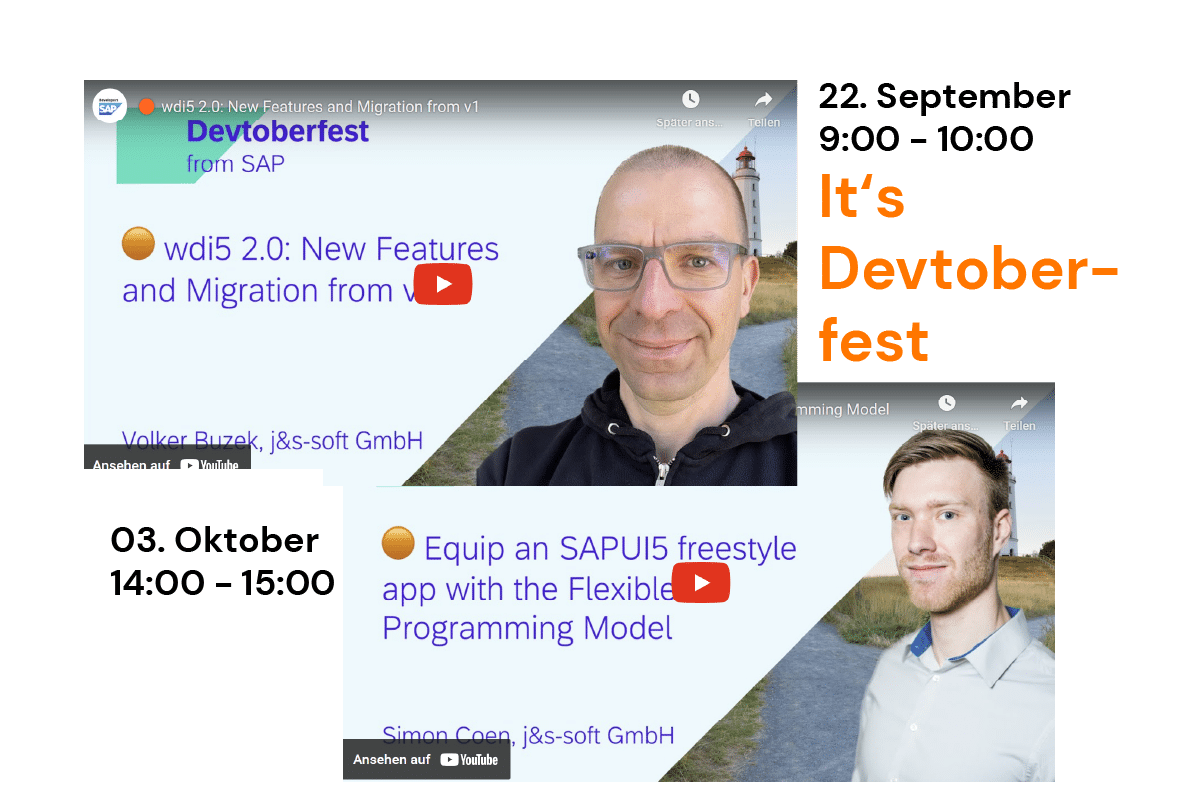
Das SAP Devtoberfest fand dieses Jahr vom 18. September bis zum 13. Oktober statt. Zwei unserer Kollegen hielten Vorträge auf der beliebten SAP Veranstaltung, die rein virtuell stattfindet. Den Anfang machte Volker Buzek am 22. September mit dem Thema “wdi5 2.0: Neue Funktionen und Migration von v1“. Er sprach über Version 2 von wdi5, dem End-to-End-Testing-Tool für UI5. Die Version 2 bietet vor allem Kompatibilität mit WebdriverIO v8, einschließlich Unterstützung für BiDi, das Automatisierungsprotokoll der nächsten Generation. Er stellte die neuen Funktionen von wdi5 2.x vor und erläuterte, wie man von v1 auf v2 migriert – mit minimalem Migrationsaufwand.
Video siehe unten!
Am 6. Oktober sprach Simon Coen von 14:00 Uhr bis 15:00 Uhr über “Equip a SAPUI5 freestyle app with the Flexible Programming Model“. In seiner Session zeigte er, wie man Building Blocks, auch bekannt als Macros (“OData v4 controls”), zu einer UI5 freestyle App hinzufügt. Die Building Blocks sind Teil des “Flexible Programming Model” (FPM). Es handelt sich um metadatengesteuerte Steuerelemente, die auf OData v4 basieren und erweiterte Funktionen wie filterbare Tabellen und visuelle Datendarstellung in Diagrammen implementieren. Sie kennen bisher nur das Flexible Programming Model in Fiori Elements Anwendungen? Hier erfahren Sie, wie Sie es in UI5-Freestyle-Anwendungen wiederverwenden können.
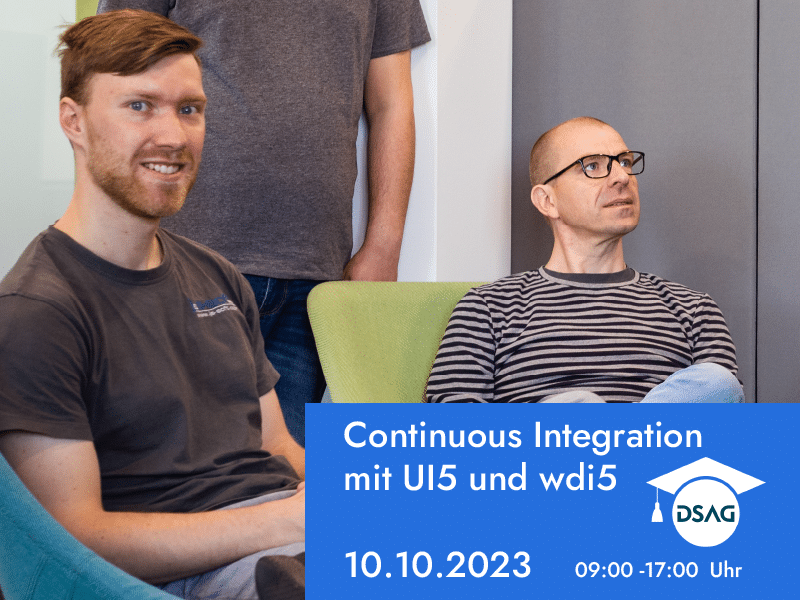
Update: Wegen der hohen Nachfrage, bieten Volker Buzek und Simon Coen den Workshop am 10.10.23 noch einmal an. Die Anmeldung ist unter bei der DSAG Academy hier ab jetzt möglich.
An alle UI5-Entwickler/innen, die DSAG-Mitglied sind: Unsere Kollegen Volker Buzek und Simon Coen bieten ein wdi5-Training an: „Continuous Integration mit UI5 und wdi5“. Mit wdi5 lassen sich automatisierte Tests während der Entwicklung und im Continuous Integration-System für Freestyle- und Fiori Elements etablieren. Erfahrt, wie man wdi5 erfolgreich nutzen kann und mehr Spaß durch sichere Qualität hat.
Lernziele des Workshops:
wdi5 während der UI5 Entwicklung nutzen können
wdi5 auf Freestyle- und Fiori Elements UI5 Anwendungen anwenden können
Automatisierte Tests mit wdi5 in DevOps pipelines (speziell GitHub) durchführen können
Anbindung an Testcloud (Saucelabs, browserstack) zur Verbreiterung der Testszenarien browser- und plattformübergreifend ermöglichen können
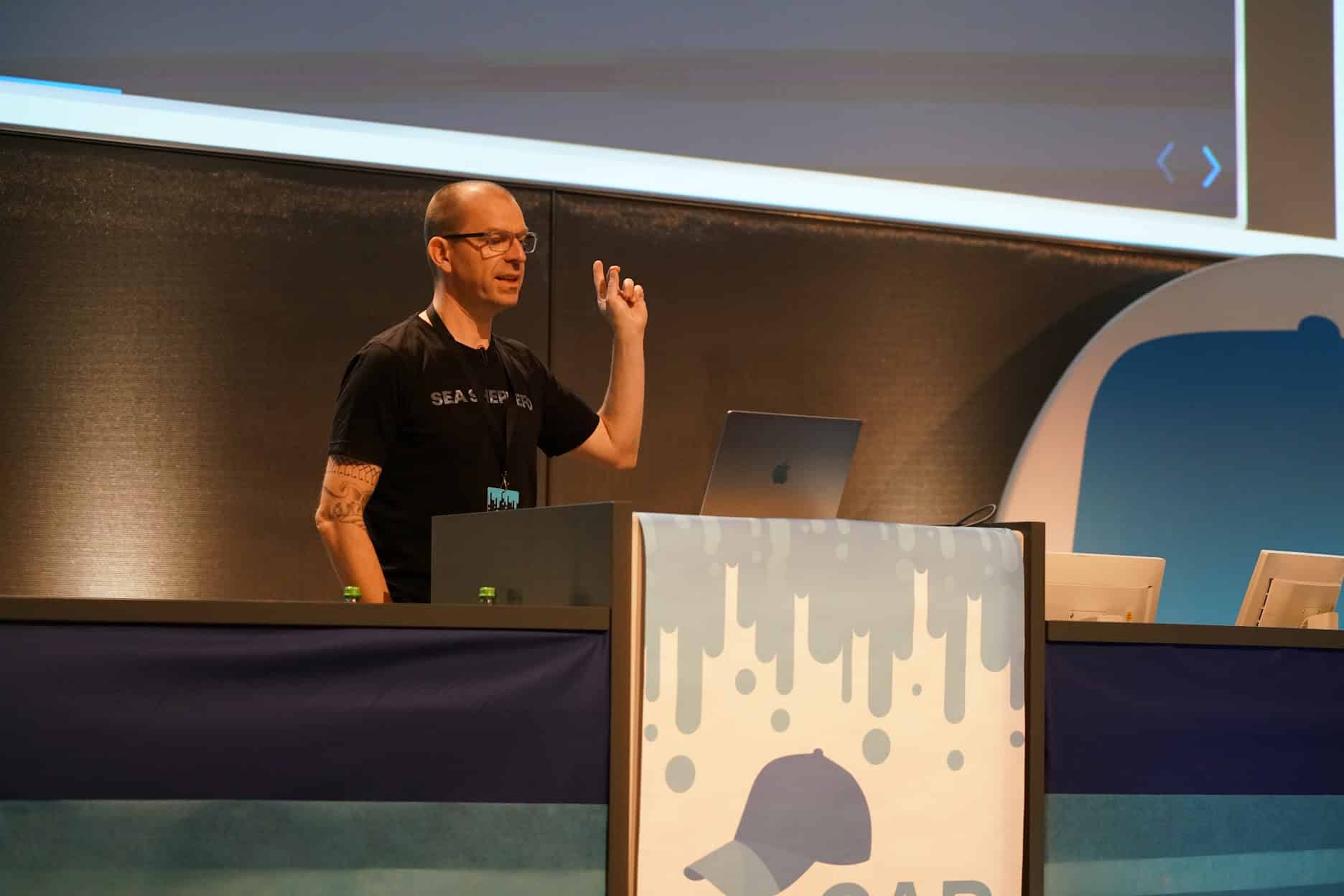
Für Entwickler, die mit UI5 und CAP (Cloud Application Programming Model) arbeiten, war der Juli richtig spannend. Gleich zwei große Veranstaltungen standen an und wir waren nicht nur als Sponsor dabei. Unsere Kollegen Volker Buzek und Simon Coen hielten auf der UI5con am 6. Juli jeweils einen Vortrag: Simon Coen stellte im Vortrag “MockServer for OData v4 Applications” eine interessante Lösung vor. Volker Buzek präsentierte in seinem Vortrag “wdi5 can do that?” fortgeschrittene Szenarien für den Einsatz von wdi5, eine ursprünglich von j&s-soft entwickelte Open Source Anwendung, mit der sich automatisierte Tests während der Entwicklung und im Continuous Integration-System für Freestyle- und Fiori Elements etablieren lässt. Bei der reCAP am 7. Juli hielt Volker Buzek den Vortrag „Process-driven software development with BPMN/DMN and CAP“. Wir freuen uns sehr, dass wir mit unseren tollen Kollegen auch inhaltlich bei beiden Veranstaltungen Beiträge leisten konnten.
Nach der reCAP gab Volker Microsoft noch ein Interview zum Thema
Die erste Major Version von wdi5 wurde vergangene Woche veröffentlicht. Das clevere Open Source Testing-Tool für UI5-Apps wurde von der UI5-Community gemeinsam zum heutigen Stand entwickelt – gesponsert von SAP. Welche neuen, nützlichen Features von API-Ausrichtung bis Werkzeugintegration wdi5 1.0 bietet, lesen Sie in meinem Blogartikel.
Die TechEd 2022, die große SAP Jahresveranstaltung, fand am 15. und 16.11. in Las Vegas statt. Bei der TechEd stehen technische Innovationen bei der SAP an erster Stelle und so ist die Veranstaltung vor allem für die Entwickler, Architekten und Techniker interessant. Auch unser “Baby”, das Test-Framework wdi5 zum einfachen Testen von UI5-Anwendungen war Thema in Las Vegas. Für uns eine Ehre und Freude.
Testen ist kein Lieblingsthema bei Entwicklern und so brachte es Michelle Moudy von den Developer Advocates bei ihrem TechEd-Vortrag mit den Worten “testing sucks” auf den Punkt. Dennoch ist allen klar: Testen muss sein. Was ist also logischer, als das notwendige Übel zu erleichtern. Dann stellte sie wdi5 vor. Hier geht es zum Video.
Nachdem wir wdi5 entwickelt haben, wird es jetzt als Open Source bei der SAP weiter betreut. Wer über wdi5 hinaus erfahren möchte, welche Neuerungen auf der SAP TechEd 2022 vorgestellt wurden, findet den Guide hier.
Fun fact: Passend zum Veranstaltungsort konnten die Teilnehmer ihren Spieltrieb bei der TechEd mit dem Finden und Sammeln von NFTs befriedigen. Es gab sogar ein Sammelalbum. Panini lässt grüßen.
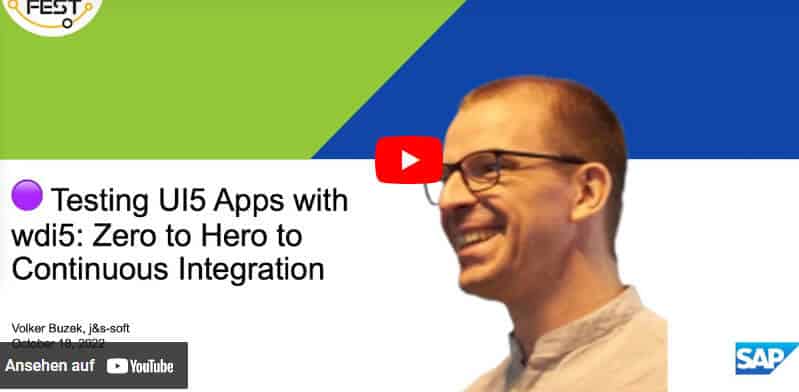
Beim Devtoberfest, einem Vortragsmarathon für Entwickler im SAP-Umfeld, fließt das Wissen wie das Bier auf dem Münchner Original. Themen sind ABAP, Cloud native, Low Code/No-code, Data and Analytics und User Interface. Mit dabei war auch dieses Jahr unser Kollege Volker Buzek. Er präsentierte das von uns in diesem Jahr veröffentlichte Testwerkzeug wdi5 in dem Vortrag: “Testing UI5 Apps with wdi5: Zero to Hero to Continuous Integration.” Die Aufzeichnung des Vortrags finden Sie hier. Mehr zur Veranstaltung hier.
Wer gleich mehr über wdi5 wissen möchte: Hier der Link zu wdi5 in der offiziellen UI5 Dokumentation.
Für alle, die UI5-Anwendungen entwickeln, wird dieses Framework das bevorzugte Testwerkzeug werden: Mit wdi5 ist es möglich, die App crossOS und Browser-übergreifend end-2-end zu testen – mit demselben Test für alle Plattformen. Sie können die gleiche Codebasis verwenden, ohne den Testcode selbst anpassen zu müssen. wdi5 baut auf WebdriverIO auf und fügt sich nahtlos in die UI5-App ein.
In der Zwischenzeit hat SAP wdi5 offiziell als Testwerkzeug für UI5 angepasst. Wir werden das Tool auch in Zukunft in Zusammenarbeit mit SAP und der UI5-Community weiterentwickeln.
Nachtrag:
Am 5. Juli ist wdi5 umgezogen und wird jetzt von der UI5-Community weiter betreut.
After the success of the previously released version we wanted to have WDI5 available not just for hybrid mobile application testing but rather for all UI5 applications. Hence we noticed the necessity to separate the UI5 part from the hybrid part of the framework.
Goal
Full independence from the wdi5 “hybrid testing package” with full compatibility to wdio for UI5 browser application testing.
What needed to be done?
The WDI5 monolith needed to be split up. Now the GIT repository has three folders (wdi5, wdio-ui5-service, test) in root location. As the names suggest, wdi5 contains the hybrid testing tool, wdio-ui5-service the Webdriver.IO-plugin and test the tests for both (b/c wdi5 tests itself with wdi5, yeah ????)
Implement an interface so wdi5 can reliably dependend on wdio-ui5-service
Restructure all code to support the wdio service handling with hooks.
Result
To clarify the confusion: There are 2 (in words: two, dos, deux, zwei) Node.js-modules being built from one git repository:
wdio-ui5-service: the Webdriver.IO-plugin
it is independent from wdi5 and doesn’t have any other module dependencies
wdi5: the hybrid UI5-app test module
wdio-ui5-service is required by wdi5 for runtime, meaning you can drive both the browser- and the hybrid-app with wdi5.
Plus: wdi5 is fully backwards-compatible to previous versions.
i Note that usually we refer to both when we’re using the term wdi5. If one of the two modules is explicitly referred to, we try to use the corresponding term
Note that the usage of both is code-agnostic. Meaning, you’re writing the same syntax and tests no matter whether they run via wdio-ui5-service in the browser-scope or via wdi5 in the app-scope!
There’s a “main” README detailing all the usage and test-options you have code-wise.
i Note that we’re proxying through (almost all) methods of UI5 controls so you can operate the control at test-time just as you do during (UI5-)runtime!
The wdi5 module provides all capabilities of wdio-ui5-service – no need for a separate install.
wdio-ui5-service: installation
npm i wdio-ui5-service -d
This package is a 100% dependency free library to span the bridge from wdio to UI5. It is required to add all further dependencies by yourself.
wdio-ui5-service: configuration
...
services: [
  "ui5" // yes, that's it!
]
...
Usage
All WDI5 functionality is attached to the global browser object Webdriver.IO provides. To stay API-compliant with UIveri5, we decided to introduce .asControl() as the very first entry point to interacting with a UI5 control:
browser.asControl(<selector>)
a<selector> is also API-compliant with OPA5 as it refers to an object containing the attributes of the desired UI5 control, such as id or controlType:
As you might have noticed, wdi5 inherits sync coding ability from Webdriver.IO, so no need to go async notation-wise:
// ⚡️ ⛔️ no need for this:
browser.asControl(selector)
  .then((control) => {
    //...
  })
  .catch(...)
//⚡️ ⛔️ ... or this
let button
try {
  button = await browser.asControl(selector)
} catch(err) { ... }

// just pretend as if asnyc's not there ???? - we've got ya ????
browser.asControl(selector).setText("bla").setEnabled(true)
Note that consequently, all non-control actions are also triggered via browser:
browser.screenshot('some-id') // yes, we can do screenshots anywhere :)
browser.goTo({sHash: '#/route'});
Improvements
No manual wdio hook implementation required anymore to setup wdi5
-> starting the tests is even more easy. Literally just three LOC.
Testing of standalone UI5 web-apps using the new wdio-ui5-service module without dependencies
-> separation of concerns having two modules, faster dev cycles