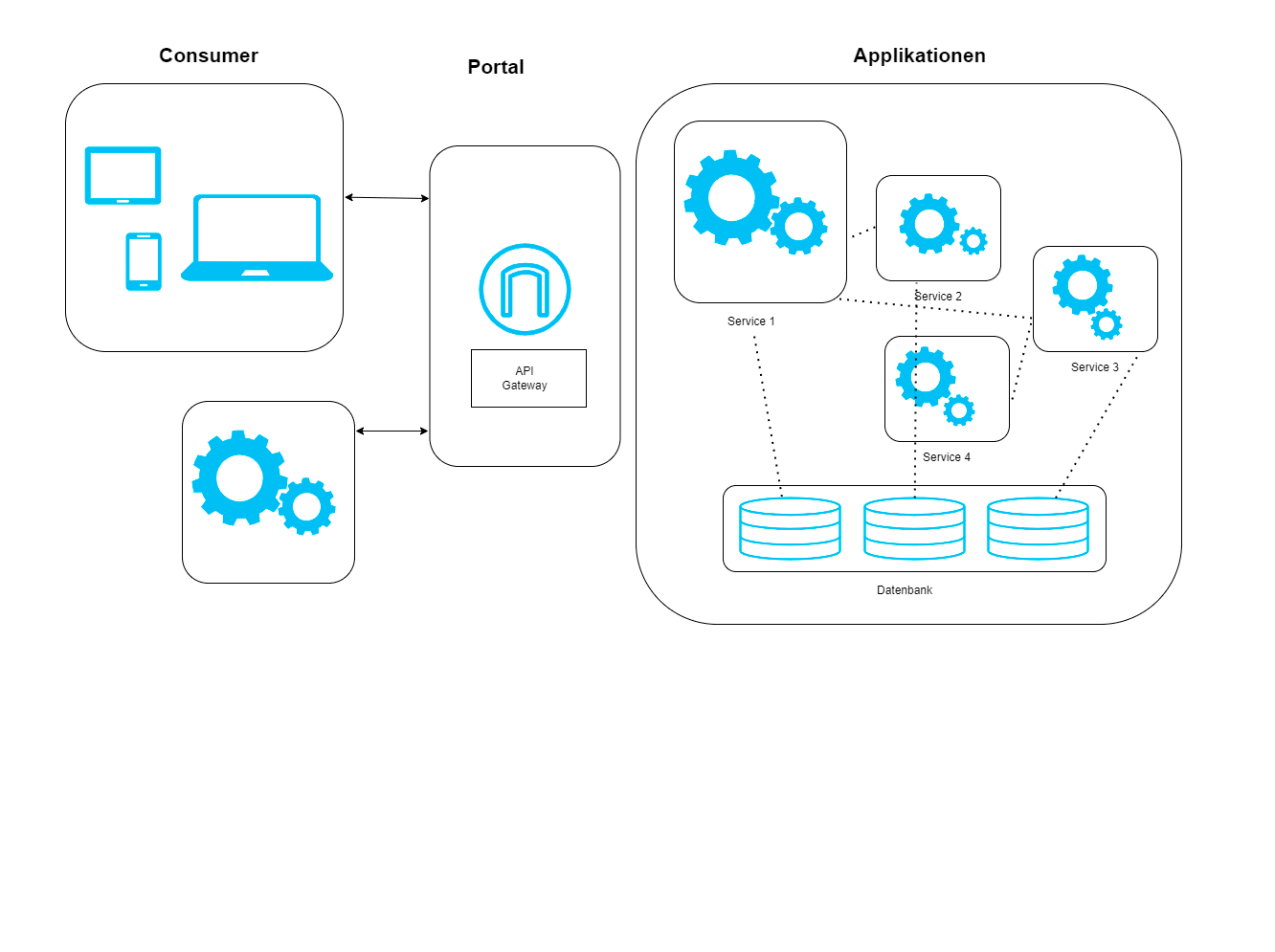
Delivering sensitive documents securely and efficiently is a growing challenge in today’s digital workplace, especially when it comes to blue-collar workers (e.g., warehouse and logistics workers). These employees often lack access to traditional Employee Self-Service (ESS) portals, which require logging into systems or accessing company-issued devices. For many, retrieving important documents such as payslips, contracts, or tax forms can involve navigating shared terminals, HR desks, or even paper-based systems—adding complexity and reducing efficiency.
To solve these issues, we integrated the enmeshed Wallet—a secure digital data exchange solution—with SAP S/4HANA via a CAP-based middleware running on SAP BTP. Instead of requiring users to log into yet another system, documents are automatically pushed to their enmeshed Wallet on their own smartphone devices the moment they are generated in SAP. Employees no longer need to manually request or retrieve documents—our automated system delivers them securely in the background, providing a seamless experience.
Beyond document delivery, this setup enables bidirectional data exchange. Employees can update personal information, such as bank details or addresses, directly in their wallet, and these changes flow back into SAP S/4HANA. This automated, event-driven communication channel improves security, reduces administrative overhead, and enhances the overall user experience across multiple business functions.
Architecture Overview
At the core of our solution is an event-driven integration between SAP S/4HANA and the enmeshed Wallet. Whenever a relevant business event occurs in SAP—such as payroll processing, contract issuance, or billing—the system triggers an event that initiates a secure document transfer to the user’s wallet.

Key Components
- enmeshed Platform – Provides secure identity management, encrypted communication, and the enmeshed Wallet for users.
- CAP Middleware on SAP BTP – Acts as the bridge between SAP S/4HANA and enmeshed, handling authentication, event processing, and data exchange. It includes a Fiori administration UI to onboard, manage, and monitor user connections.
- SAP S/4HANA Backend – Generates documents, manages business logic, and triggers event notifications.

How It Works
- Business Event Trigger: The process begins in SAP S/4HANA. For example, when payroll is processed, a payslip is generated for an employee. This triggers an event in SAP’s Business Object Repository (BOR) framework, which we extended to fire event notifications when key business transactions occur.
- Event Dispatch via SAP Event Mesh: The event is picked up by SAP Event Mesh, ensuring scalable, real-time event propagation.
- Middleware Processing & Secure Document Fetching: The CAP-based middleware listens for these events. Upon receiving a trigger, it retrieves the relevant document (e.g., a payslip) on behalf of the user using OData services from SAP S/4HANA.
- Secure Delivery to the enmeshed Wallet: The middleware encrypts and securely transmits the document to the employee’s enmeshed Wallet using the enmeshed API. The employee receives a notification and can immediately access their document.
This fully automated flow eliminates manual steps and the need for self-service portals, providing employees with an effortless and secure experience. On the other hand, since enmeshed is a self-sovereign data wallet, it allows the user to update personal attributes (such as names, marital status, bank account information, etc.) that are shared with the company. These attribute updates trigger events from the enmeshed Connector, which are listened to by the SAP Event Mesh and processed by our CAP Event Dispatcher. Depending on the attribute update, the middleware then uses standard SAP S/4HANA APIs to update relevant records, such as the Business Partner or SAP HCM records.
The technical implementation leverages SAP BTP due to its excellent integration capabilities with S/4 systems and its provision of a robust cloud infrastructure. However, this solution can be adapted to other cloud PaaS infrastructures as well. The SAP Event Mesh could be replaced with another event-driven service, and since we’ve chosen standard protocols like OData, AMQP, and Webhooks to interconnect enmeshed and SAP S/4, the middleware can be easily restructured to fit into a customer’s cloud infrastructure landscape.
Technical Flow
Let’s dive deeper into how the system orchestrates user onboarding and document delivery:
Employee Onboarding & Identity Linking
Before employees can receive documents, they need to be onboarded into the system. This happens in a frictionless way:
- Employees scan a QR code in the enmeshed Wallet, which could be provided through an onboarding letter and additionally secured with a PIN for extra protection.
- This links their wallet identity to their Business Partner ID in SAP S/4HANA.
- The enmeshed Connector validates and registers the user, establishing a secure and encrypted relationship between the wallet and SAP.
- From this point onward, any documents associated with the employee’s Business Partner ID will automatically be sent directly to their wallet without the need for manual requests.
Event-Driven Document Processing
Once onboarding is complete, the system operates autonomously:
- A Business Event Occurs in SAP S/4HANA – For example, a new payslip is generated at the end of the payroll run.
- SAP Event Mesh Detects the Event – The event is propagated without the need for direct integration between SAP S/4HANA and external systems.
- CAP Middleware Retrieves the Document – Acting as a bridge, the middleware fetches the document on behalf of the user via OData services.
- The Document is Securely Delivered to the Wallet – The middleware encrypts and transmits the document to the user’s enmeshed Wallet, ensuring compliance with data privacy regulations.
- Employee Receives a Notification – The document is immediately available, eliminating the need for manual retrieval.
Furthermore, the advanced data model of enmeshed allows for dynamic and granular interactions between SAP and the user. Not only can employees proactively update their personal data, but the employer’s system can also actively request specific data points as needed. For example, if an employee’s tax information is outdated or a signature is required for an HR document, the system can send a structured request directly to the enmeshed Wallet. The user then reviews and approves the request, and the validated data is securely transmitted back to SAP S/4HANA. This two-way, event-driven communication leverages enmeshed’s variety of request types, ensuring data integrity and compliance while reducing friction in administrative processes.

Other Use Cases
While our initial focus was payroll, the same architecture supports a wide range of enterprise scenarios:
- Human Resources: Employment contracts, performance reviews, training certificates, benefits information.
- Logistics: Shipping notifications, delivery confirmations, customs documentation.
- Energy: Consumption reports, smart meter readings, billing documents.
- Finance: Invoices, payment confirmations, financial statements.
- Manufacturing: Quality certificates, compliance documentation, production reports.
Conclusion
This integration streamlines document exchange, minimizes administrative effort, and strengthens security—empowering organizations to operate more efficiently in a digital-first world. While we implemented this solution on SAP BTP, the architecture is extendable to PaaS environments of other hyperscalers, making it adaptable for a variety of enterprise environments. Its versatility allows organizations to securely exchange documents across HR, finance, logistics, manufacturing, and energy management.
Read the other two parts of this blog series to find out how the Wallet makes everyday work easier:
Gehaltsabrechnungen via Wallet sicher übermitteln
SAP-Stammdatenverwaltung für externe Mitarbeiter via Wallet
If you would like to implement such a solution in your company, please contact us: sales@js-soft.com